studybug
Track your study habits. Stay connected. Stay motivated.
ROLE
Product Designer
TEAM
2 Project Leads
4 Designers
6 Engineers
TIMELINE
January 2026 - Present
problem
Studying alone is hard. Students often lose motivation without accountability, don’t know when or where their friends are studying, and existing productivity apps offer no social element to keep them engaged.
studying alone is hard.

research
To understand user needs, the team surveyed 59 students about their study habits and preferences.
“It’s harder for me to study on my own than with friends...finding it difficult to stay focused.”
“I would like to see my hours spent studying and the amount of time I spend per subject studying”
competitive analysis
we conducted competitive analysis with other productivity apps to determine the main features of the app.
BeReal
Social photo app
Strava
Fitness tracker
Beli
Social food ranking
Study apps
Productivity / focus
Studybug
Our goal ✦
process
User Flow
Before touching visuals, I worked with the design team to map out how each feature would connect.
Low-Fidelity Wireframes
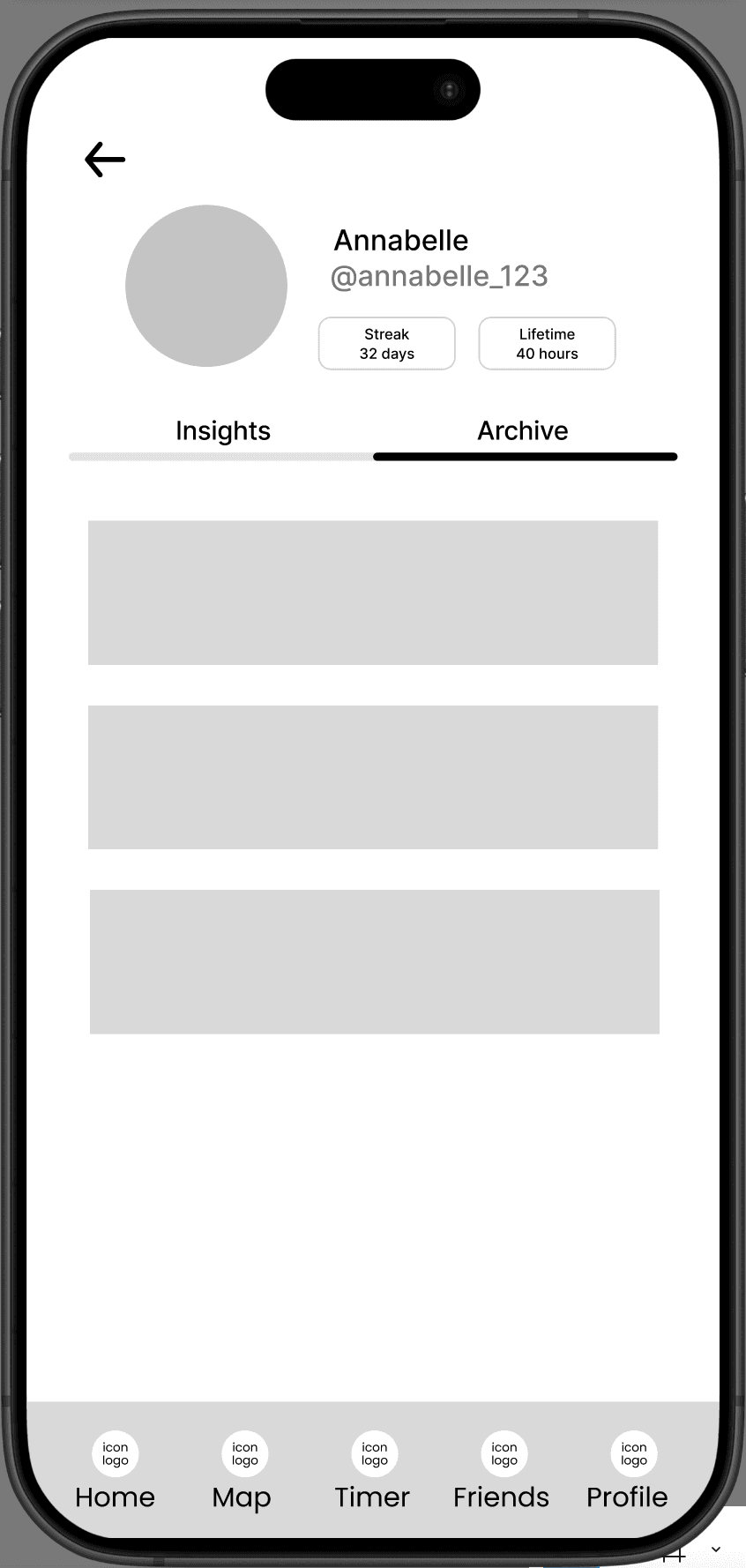
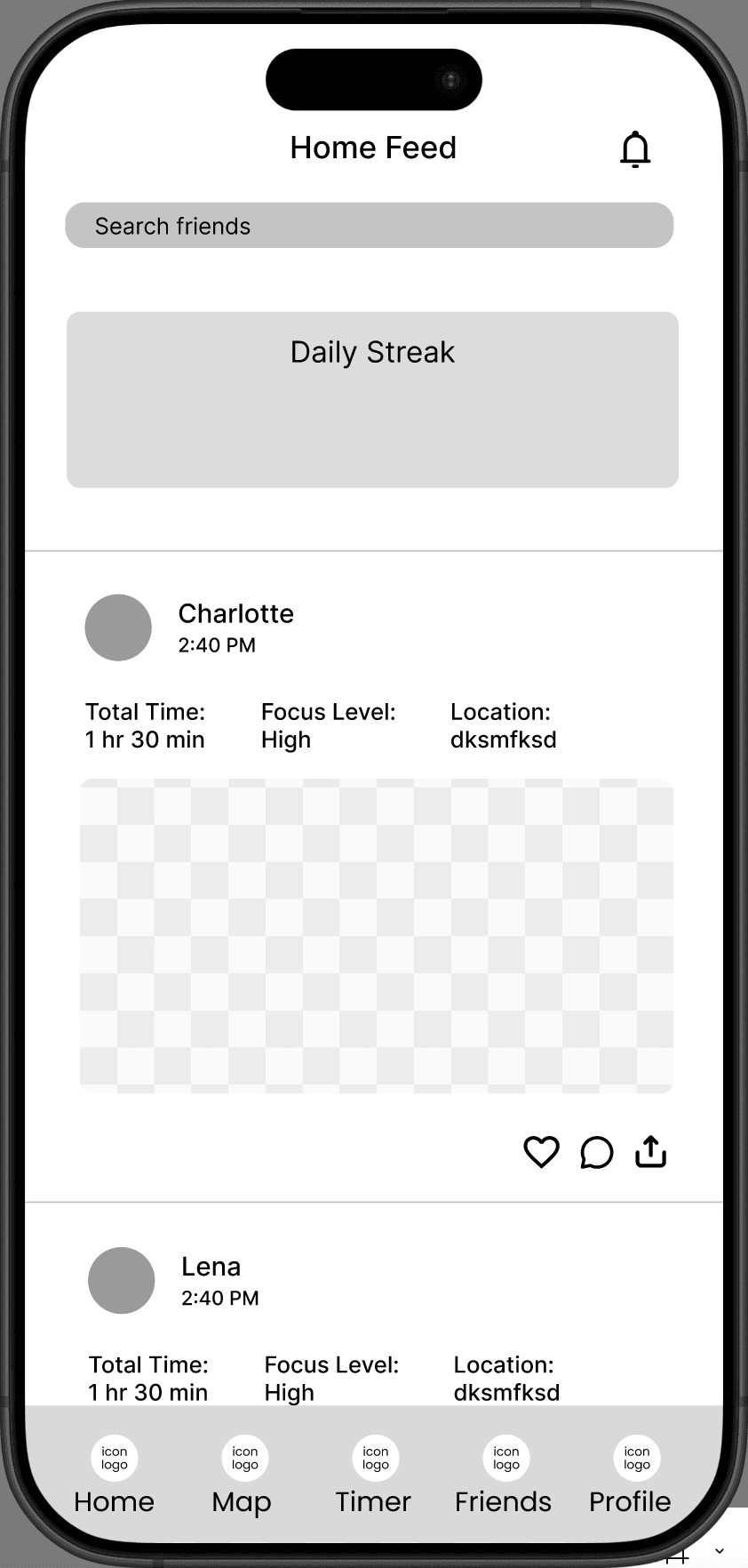
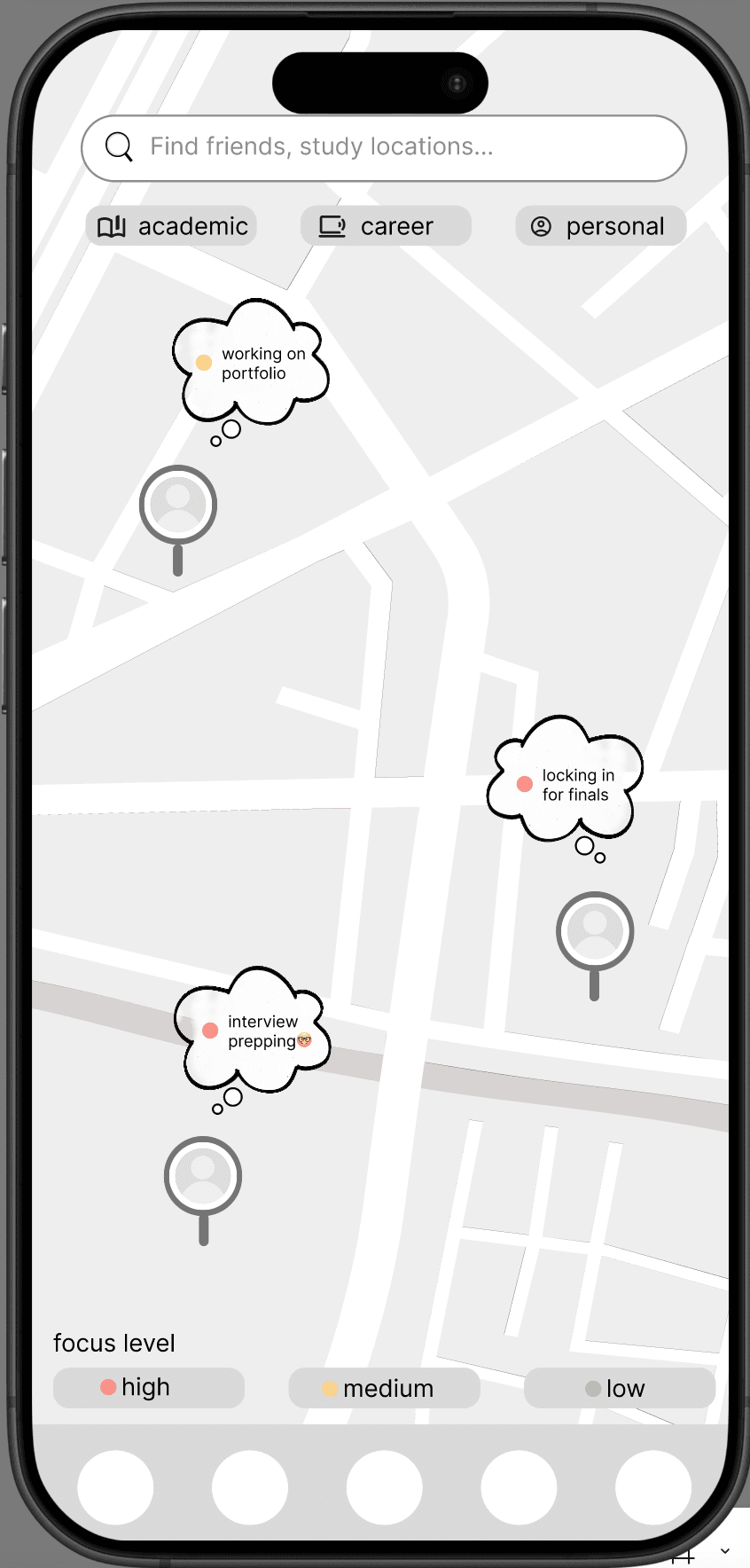
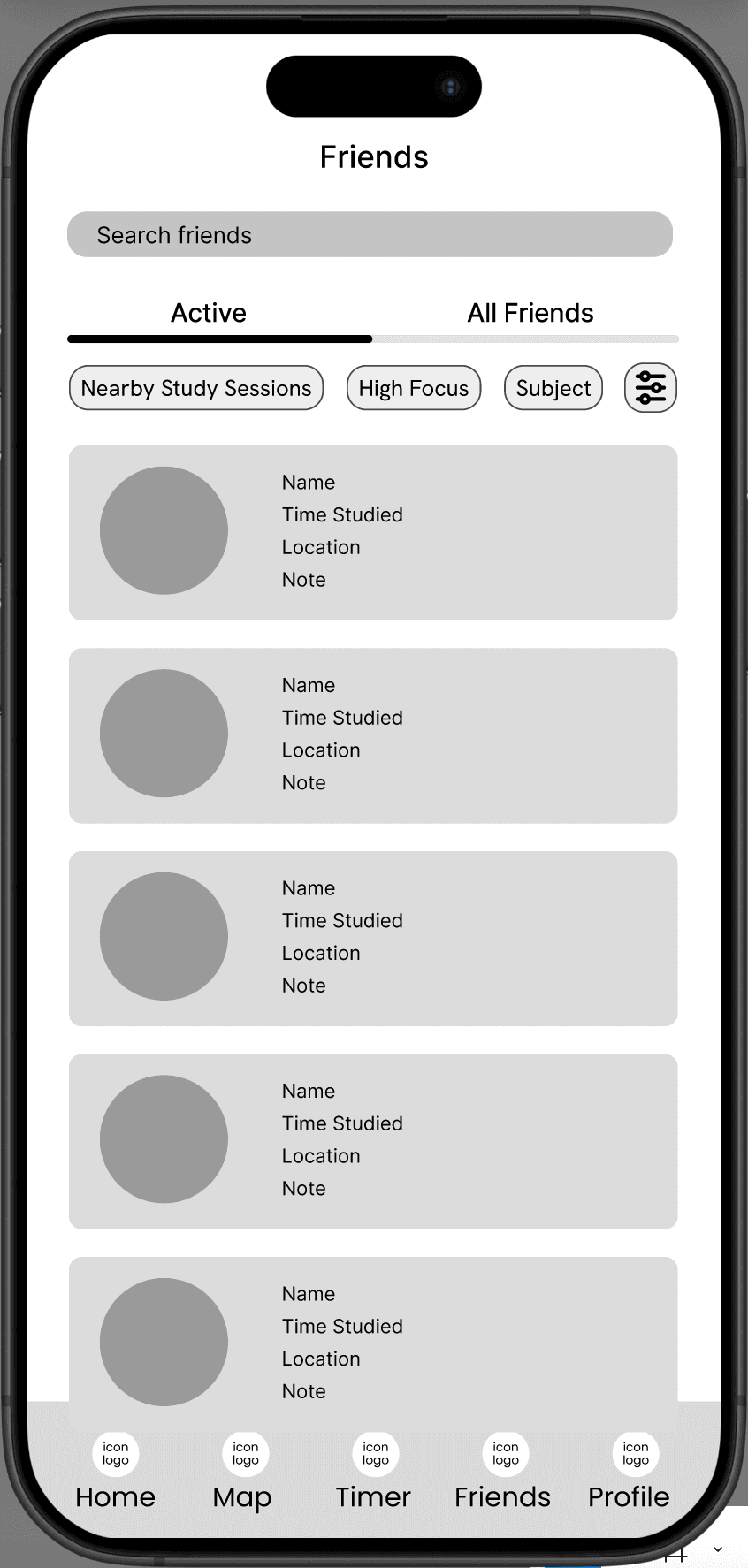
My focus at this stage was on overall layout and flow. I explored different structures for the Friends, Map, Timer, and Profile screens, asking: what’s the simplest way for a user to start a session or check on a friend?
Low-Fidelity Explorations
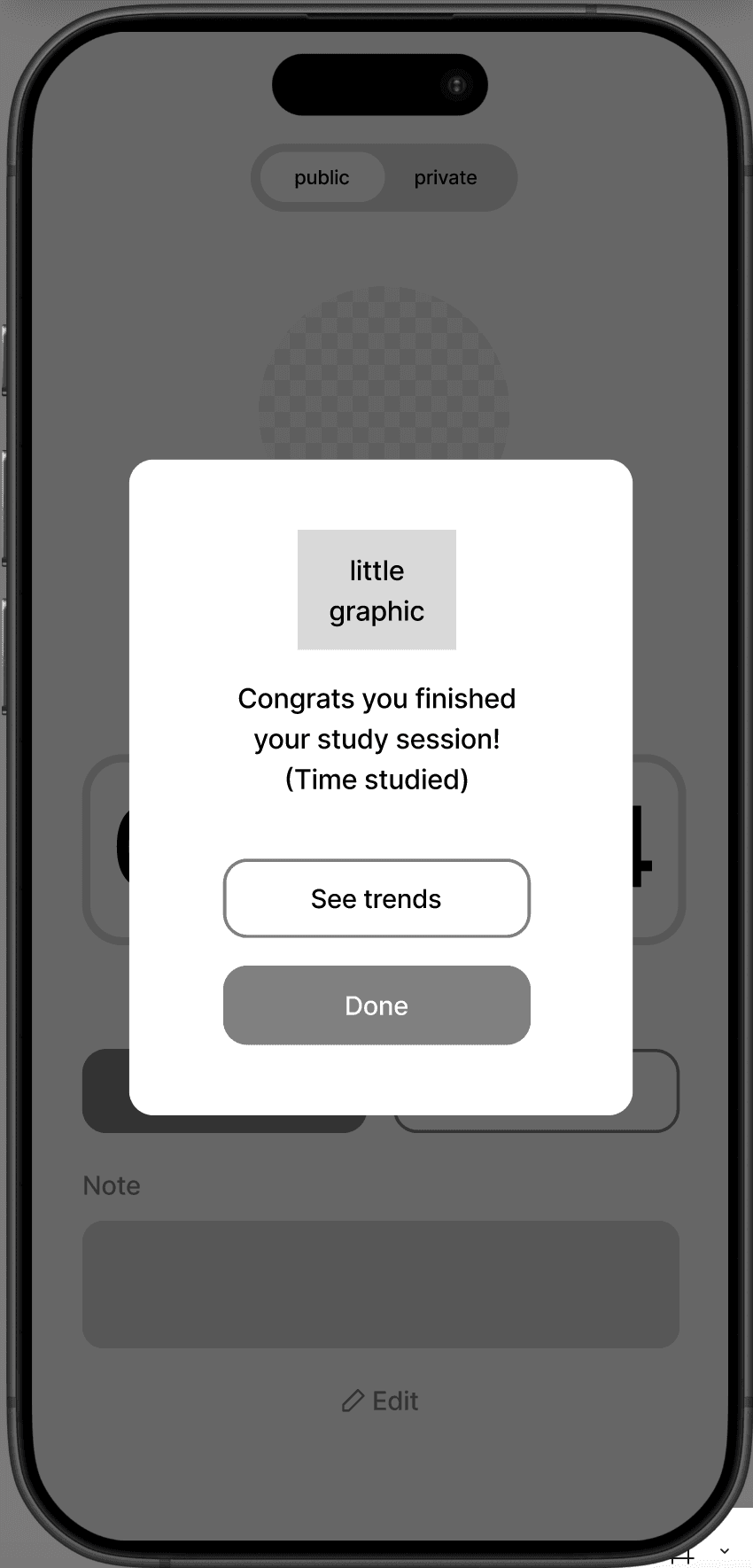
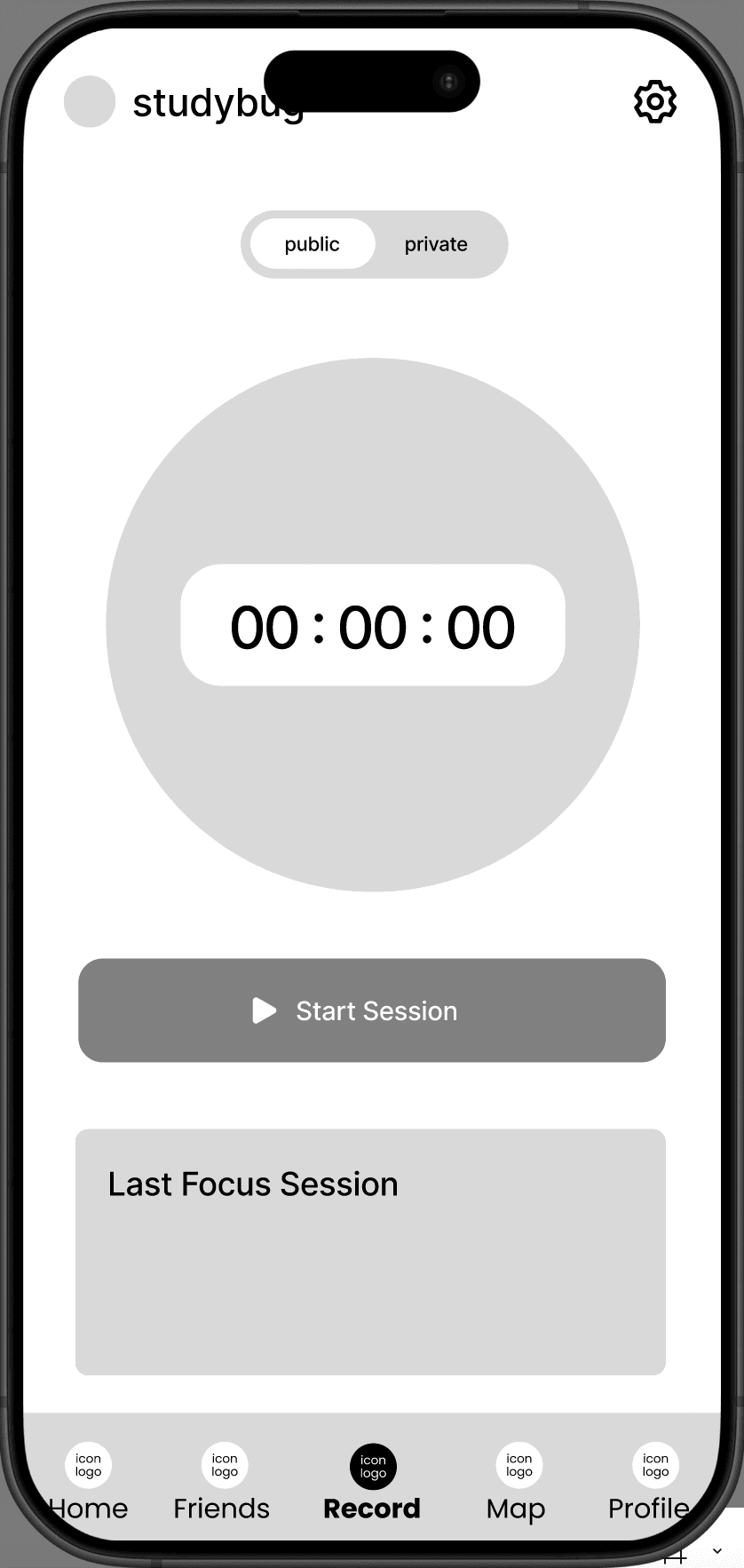
- Timer for starting studying sessions
- Checking on friend activity
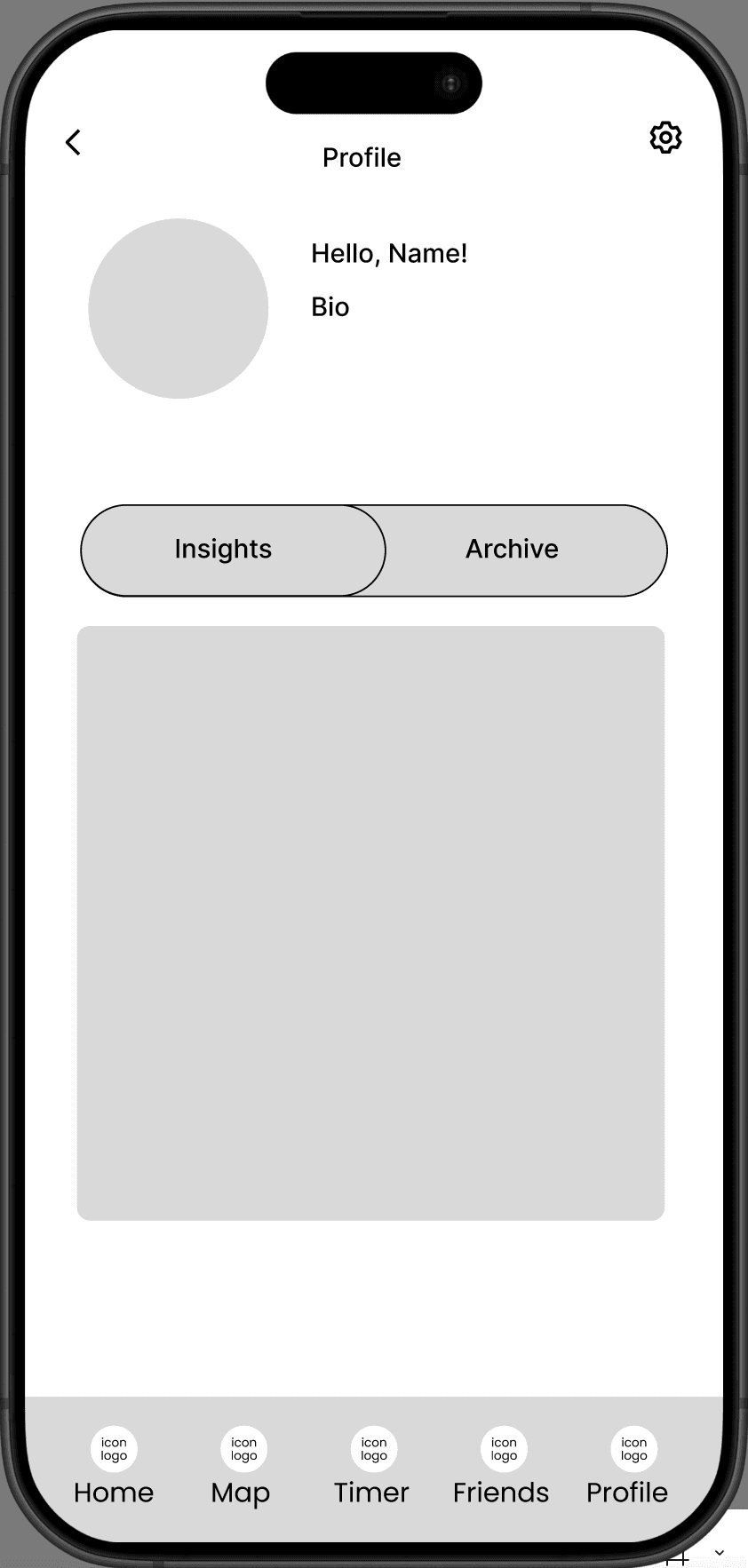
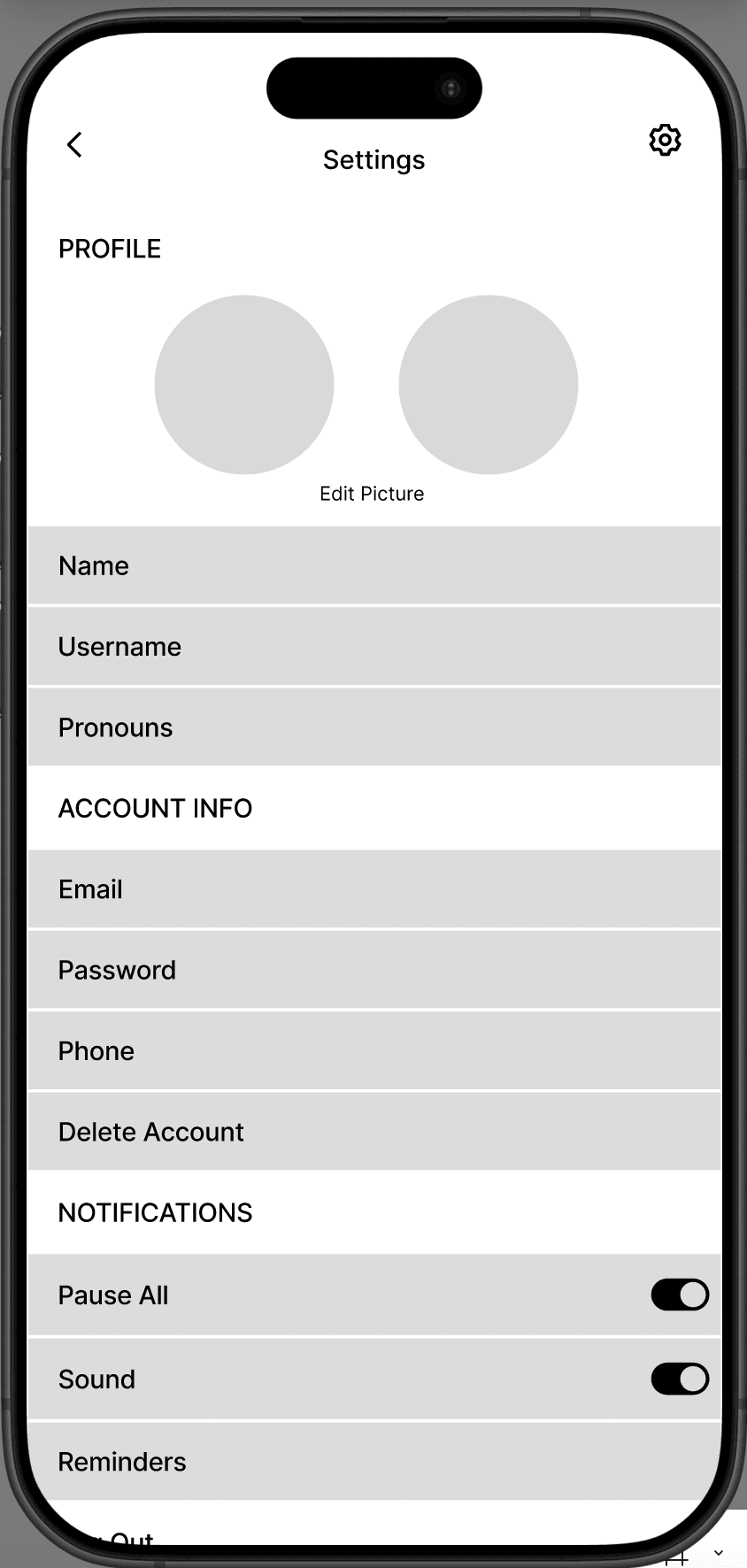
- Profile and Settings
- Feed with study sessions
solution
Key Features:
Timer — I helped shape the timer flow, including the session setup screen where users can set their subject, location, focus level, and privacy, and the post-session screen where they can attach a photo and share to their feed.
Profile & Insights — I designed the profile page, including the weekly study bar chart, streak tracker, and archive of past sessions. The goal was to give students a meaningful at-a-glance summary of their habits without overwhelming them with data.
Map & Friends — I contributed to feature ideation for the map view and the friends list, which distinguishes between active and inactive study sessions.
reflection
One of the core design tensions we navigated was balancing the productivity side of the app with the social side. The team ultimately leaned into the social-first approach, turning studying into a shared activity without requiring real-time coordination.